What's New in ryze 7.5.0
The following information describes new features, updates or changes to ryze. For a list of all changes and bug fixes, please see the Release Notes.
General and UI Changes
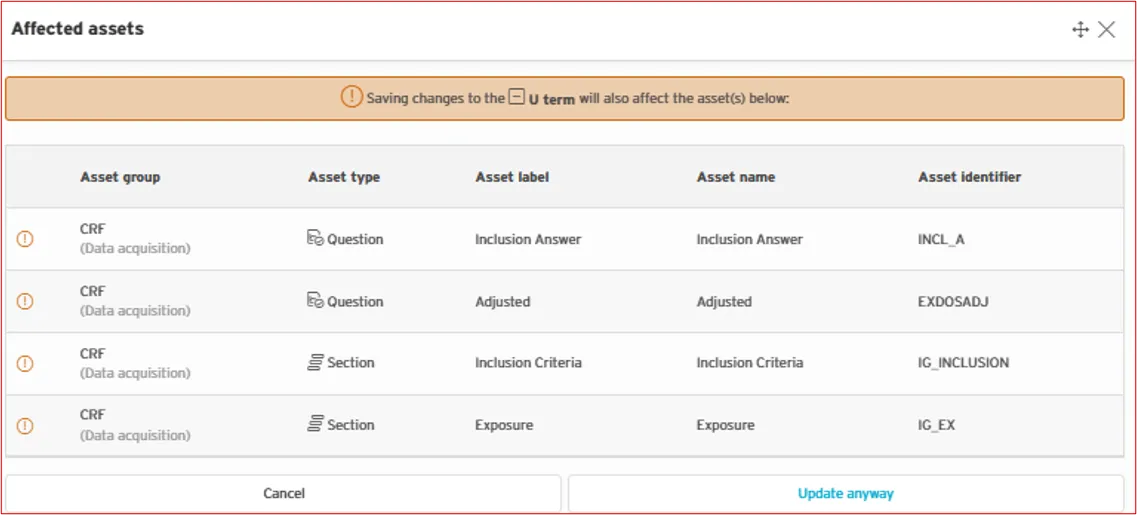
Editing Assets When editing an asset, assets that are affected by a change are now indicated in ryze. A warning may be displayed before saving an asset if any of the following apply:
- editing a Question that is present in multiple Sections
- editing a Question that is present in one Section but multiple Forms
- editing a Term that is present in multiple Terminologies
- editing a Term that is present in one Terminology but multiple Questions/Variables/Values
- editing a Variable that is present in multiple Datasets
A list of affected assets is displayed and you can choose to continue saving or cancel.
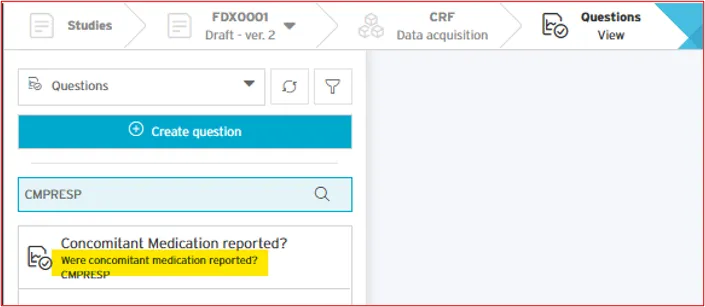
Question Assets Question assets now display the question text in asset list views.
Deleting/Dissociating Assets More information is displayed when deleting or dissociating assets.
Reorder Assets The reorder modal (Asset Group > Assets > Reorder) has been improved to allow drag and drop sorting, or sorting alphabetically by Label, Name or identifier.
Logs
- Three new columns have been added to repository logs (such as, standard logs or asset logs):
- Identifier
- Name
- Details
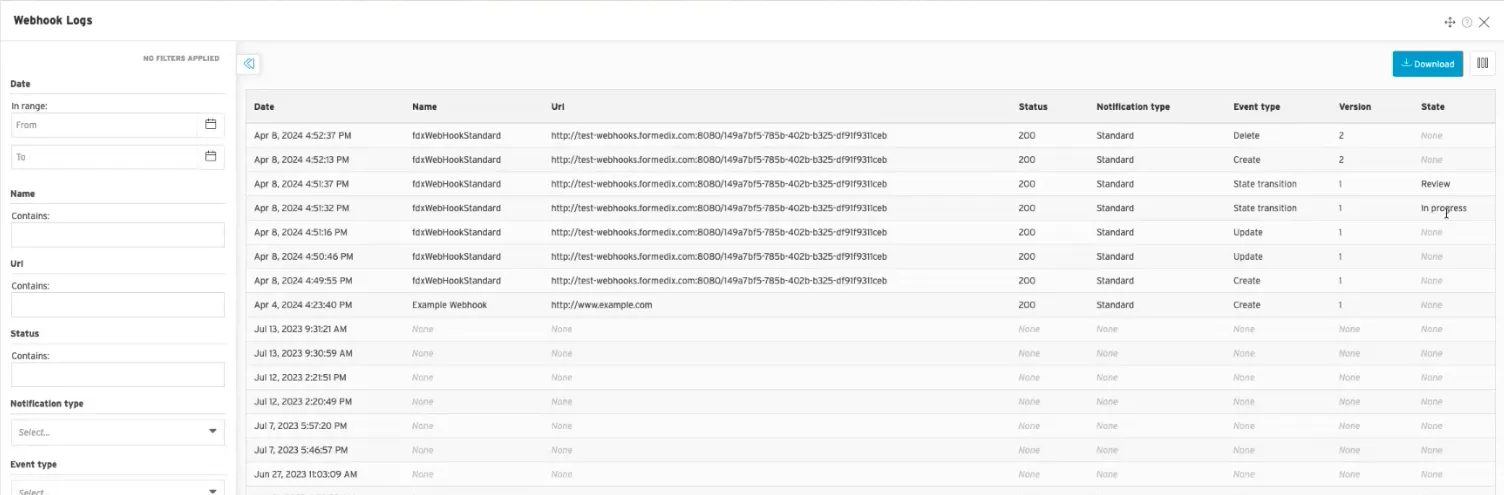
- We've also added Webhook logs (Admin > Repository > Webhooks > View Logs) to display a history of notifications that have been sent. Webhook logs also display a Status "200" if the webhook notification has been received.
Dataset Data
- Source data datasets that were previously uploaded can now be deleted.
- We've improved the naming of dataset data downloads. Downloads are now provided in the format Container Label - Asset Group Label - download type - date time

Dataset Mapper
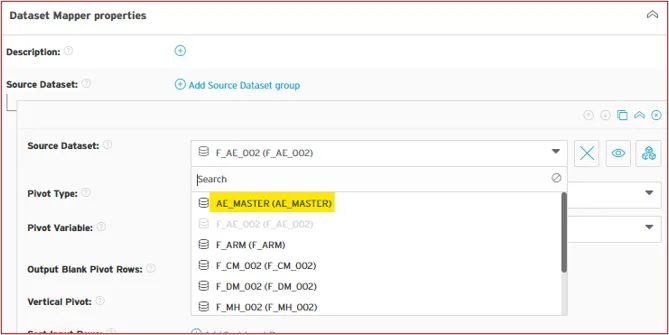
Dropdown lists now display name and label for source datasets and variables.