Introduction
The CRF plugin lets you generate customizable paper-based CRFs in PDF format. The plugin lets you output a set of visualizations including an annotated CRF.
For help with Annotations, see Working with Data Acquisition assets.
The CRF Plugin is enabled by an administrator in Admin > Repository > Plugins.
Repository users enable the CRF Plugin for a specific Asset Group.
A set of plugin properties allow customization of the CRF. A Validator reports any conflicts or problems with the specified plugin property values.
You can add content and change the format of visualizations using plugin properties. These properties are set at the plugin level when editing an Asset Group

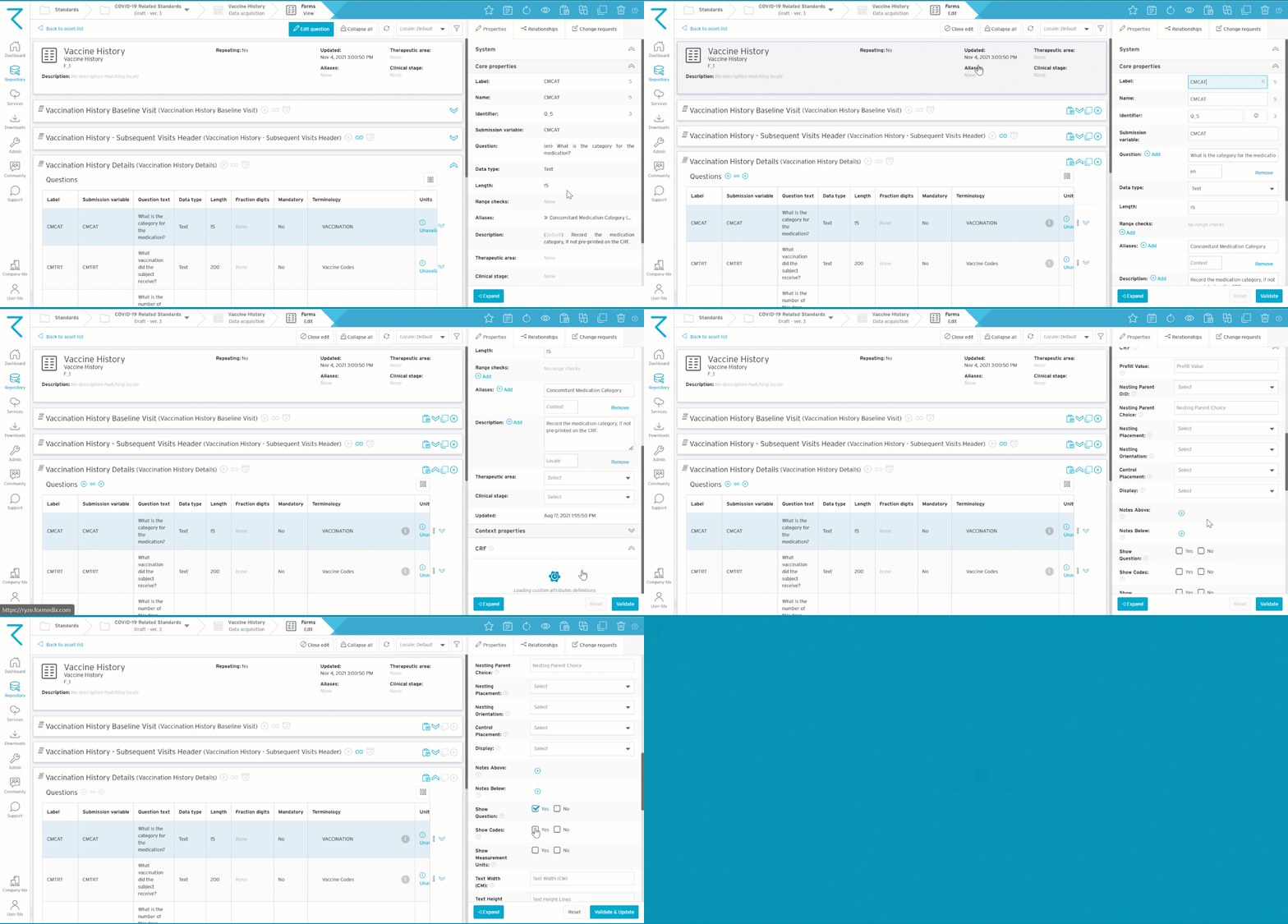
CRF properties are also found at the asset level when editing any of the following assets:
- Visits
- Forms
- Sections
- Questions