What's New in ryze 8.0.1
The following information describes new features, updates or changes to ryze. For a complete list of all changes including bug fixes, please see the Release Notes.
ryze Joins Certara Cloud
We're excited to announce that ryze is now part of the Certara Cloud platform.
For users and organizations with multiple Certara products, this integration provides a more unified experience with seamless cross-product switching and simplified administration through Certara Admin.
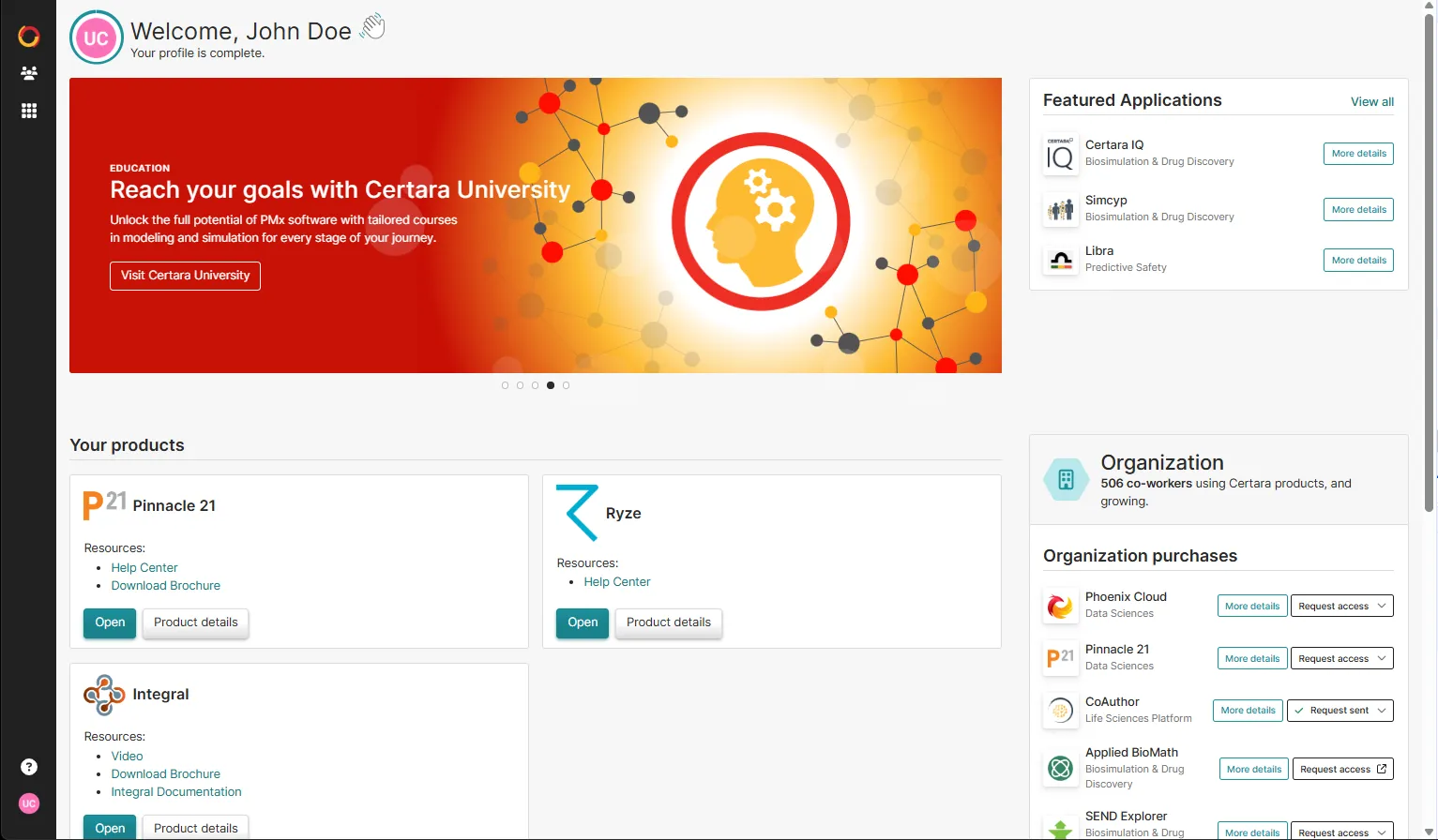
Certara Admin is a centralized platform that allows you to see and manage your subscriptions for other Certara products.
URLs
You now have a Certara URL for your organization for example, yourorganization.certara.net. This is where you can access ryze or request access to other products that your organization has purchased.
Certara products may also include staging or sandbox environments, for example:
- yourorganization.staging.certara.net
- yourorganization.sandbox.certara.net
Logging in to ryze
- Go to the Certara Admin URL for your organization. For example, yourorganization.certara.net
- If you already have a Certara account: Sign in using your email and password, or use the SSO option, if enabled.
- If you don’t have a Certara account: Use the forgot password option and the email address that you previously used to sign into ryze.
- Once you’re logged in, you’ll see the Certara Admin home screen. The home screen displays any other Certara products that your company has purchased. To access ryze, click Open.
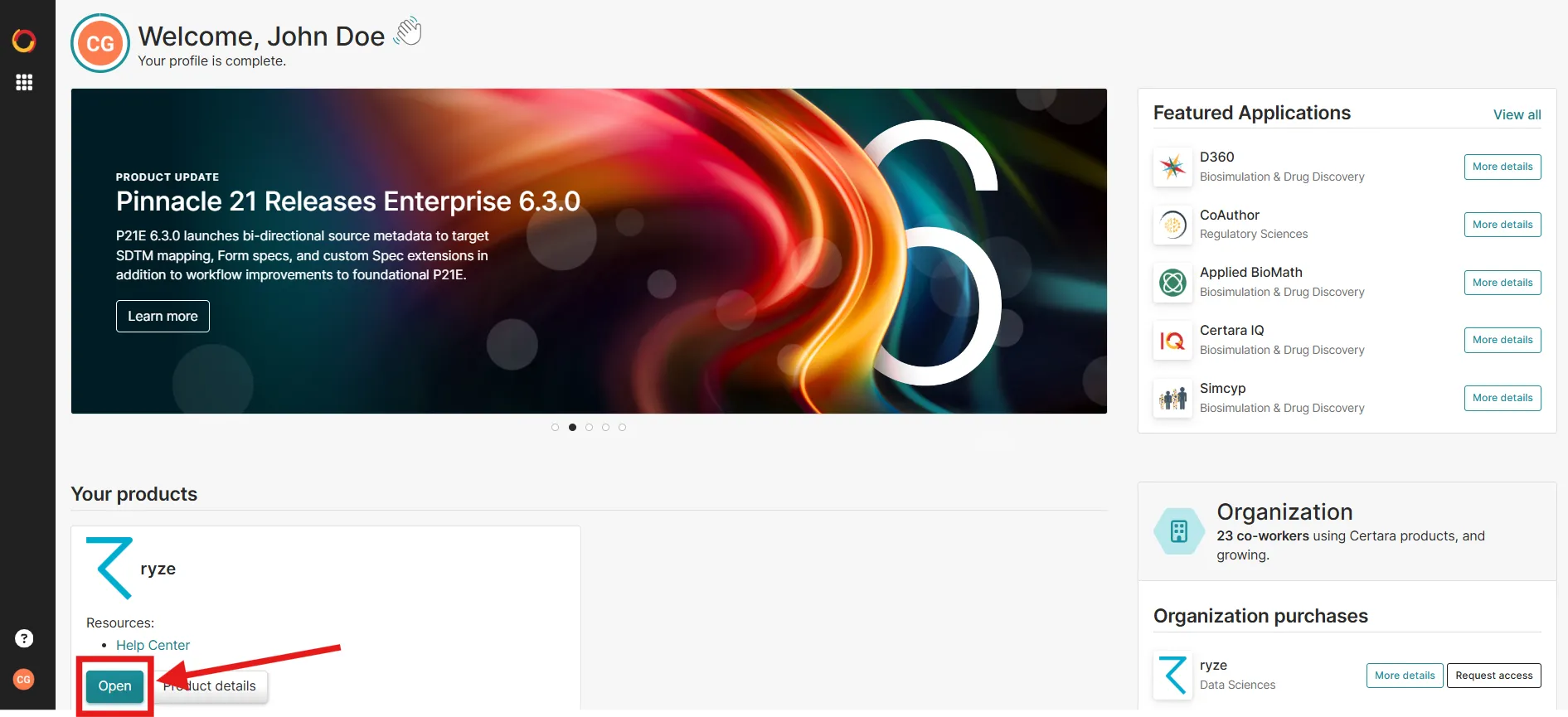
Note: If you go to a direct ryze URL after version 8.0, you’ll be redirected to the Certara sign on screen for your organization.
SSO
For users who authenticate with an Identity Provider (IdP), you may have to configure additional SSO settings for Certara Admin. This release replaces ryze SSO with Certara authentication.
If you need help setting up SSO, please contact [email protected].
Roles and Permissions
ryze: Your ryze roles and permissions have not changed.
Certara: Your Certara profile is automatically assigned the standard “User” role. Someone from your organization will be assigned the Product Admin role. If you already have other Certara products, someone from your organization may already have the Global Administrator role. See Global Admin vs. Product Admin for more information.
You can see a list of your administrators from the product details page in Products > View details > URLs > View Administrators.
ryze UI changes
Some UI features have changed slightly or been moved from ryze to Certara Admin.
User Name: User names are now a concatenation of your First Name + Last Name.
From Ryze > Admin > System > Users the following options are removed:
- Add user
- Edit
- Resend invitation Email
- Disable
- Remove
Adding Users: Administrators now add users through the centralised user management with Certara Admin. You can no longer add or edit users in ryze.
What if I already have a Certara account?
Users who already exist in Certara Admin and who already have a ryze subscription will see ryze available on their product catalog. If you don’t have access to ryze, click Request access. These requests go to an administrator and you can see who your administrators are from Products > View details > URLs > View Administrators.
Administrators can then approve requests from Users > People > (user profile) > Product Access > Give access.