CRF 4.2.1
Release Date: 09 July 2026
The following release notes highlight changes, improvements, and bug fixes for this version. Please review these updates to understand potential impacts on your workflows.
Summary
Visualizations
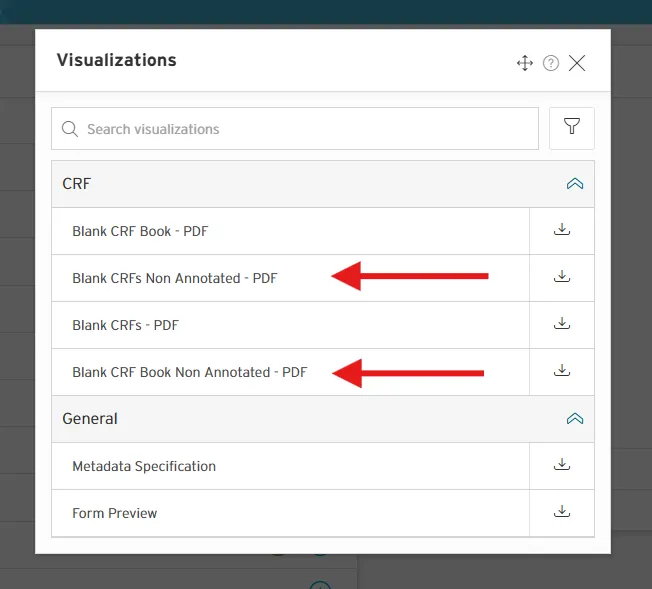
You can now generate non-annotated versions of PDF visualizations at Asset Group level and Form level.
CRF Plugin Properties
- Assets > CRF Plugin Property > Date Entry Format: We've added more options so you can now select different formats for visualization PDFs
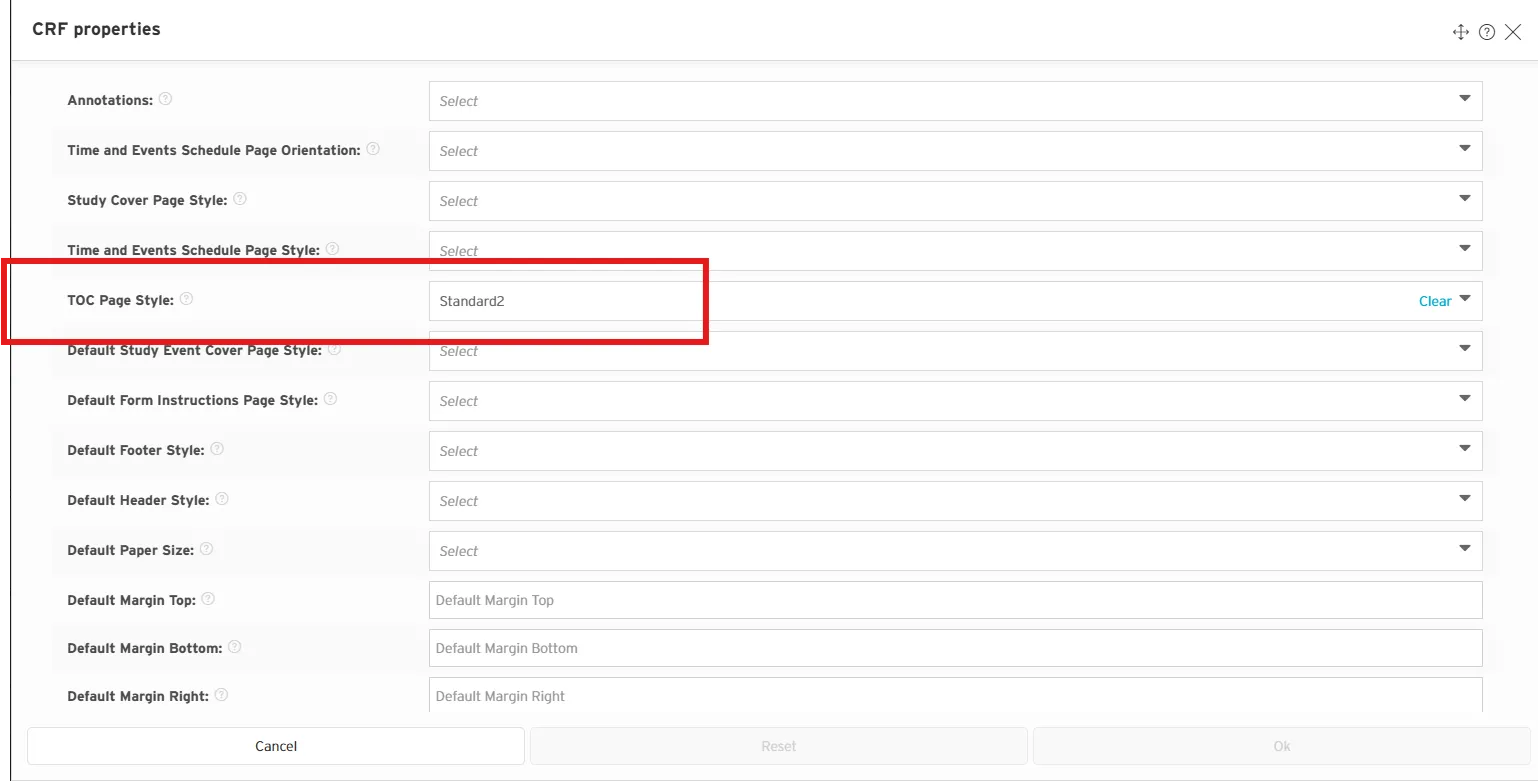
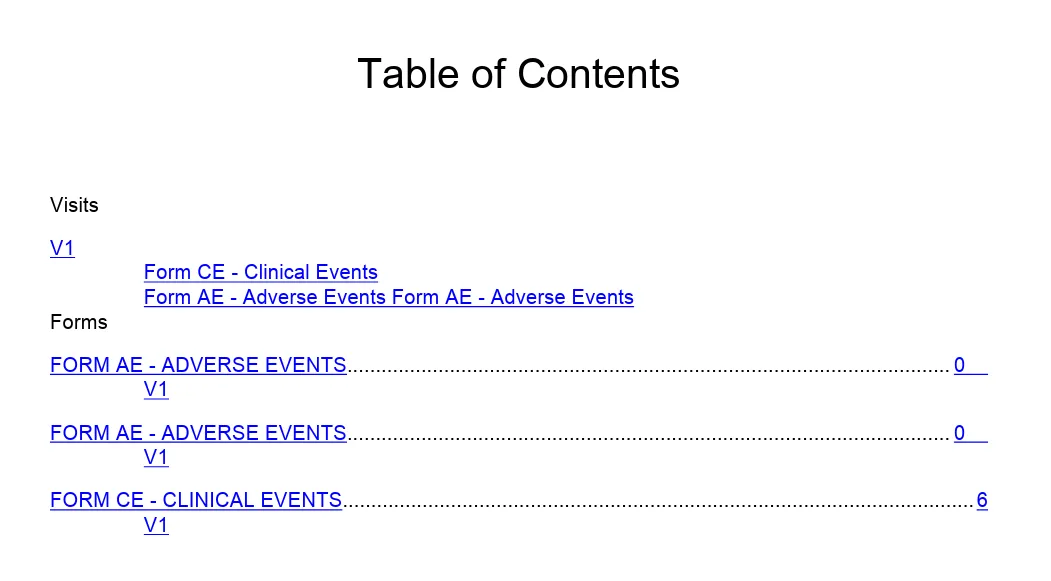
- Asset Group > Edit CRF Properties > TOC Page Style: added a new TOC style that includes page numbers.
Changes
Key | Summary |
|---|---|
TRACRF-159 | Allow for partial dates in Date Entry Format Field. |
TRACRF-161 | Allow CRF visualizations to be run with and without annotations. |
TRACRF-163 | Create a new TOC layout with page numbers. |
Fixed Issues
Key | Summary |
|---|---|
TRACRF-154 | Unable to generate blank CRF visualization. |
TRACRF-152 | Annotation is duplicated on nested question. |
TRACRF-153 | If 'Show Title' property for a Section is FALSE, the annotation of the first Question in the Section is duplicated. |
TRACRF-155 | Alias annotations duplicated on, Date, DateTime, Time etc. variables. |
TRACRF-156 | Date, Time, Datetime controls missing "DD-MM-YYY" "24 hour clock" format text below field. |
TRACRF-158 | Background Color on the CRF Preview is not updated. |
TRACRF-162 | Duplicate annotations on nested questions. |
TRACRF-164 | Special characters in terms code causing visualization to fail to generate. |
TRACRF-165 | CRF visualization fails when the layout plugin property is set to non tabular (horizontal). |
TRACRF-157 | Investigate reduction of Antenna House errors in logs. |
TRACRF-167 | Question annotation duplication for OID, SAS and SDS groups. |
TRACRF-166 | Date controls contain duplicated partial formats "MMYYYY" and "MMMYYYY". |
Known Issues
None